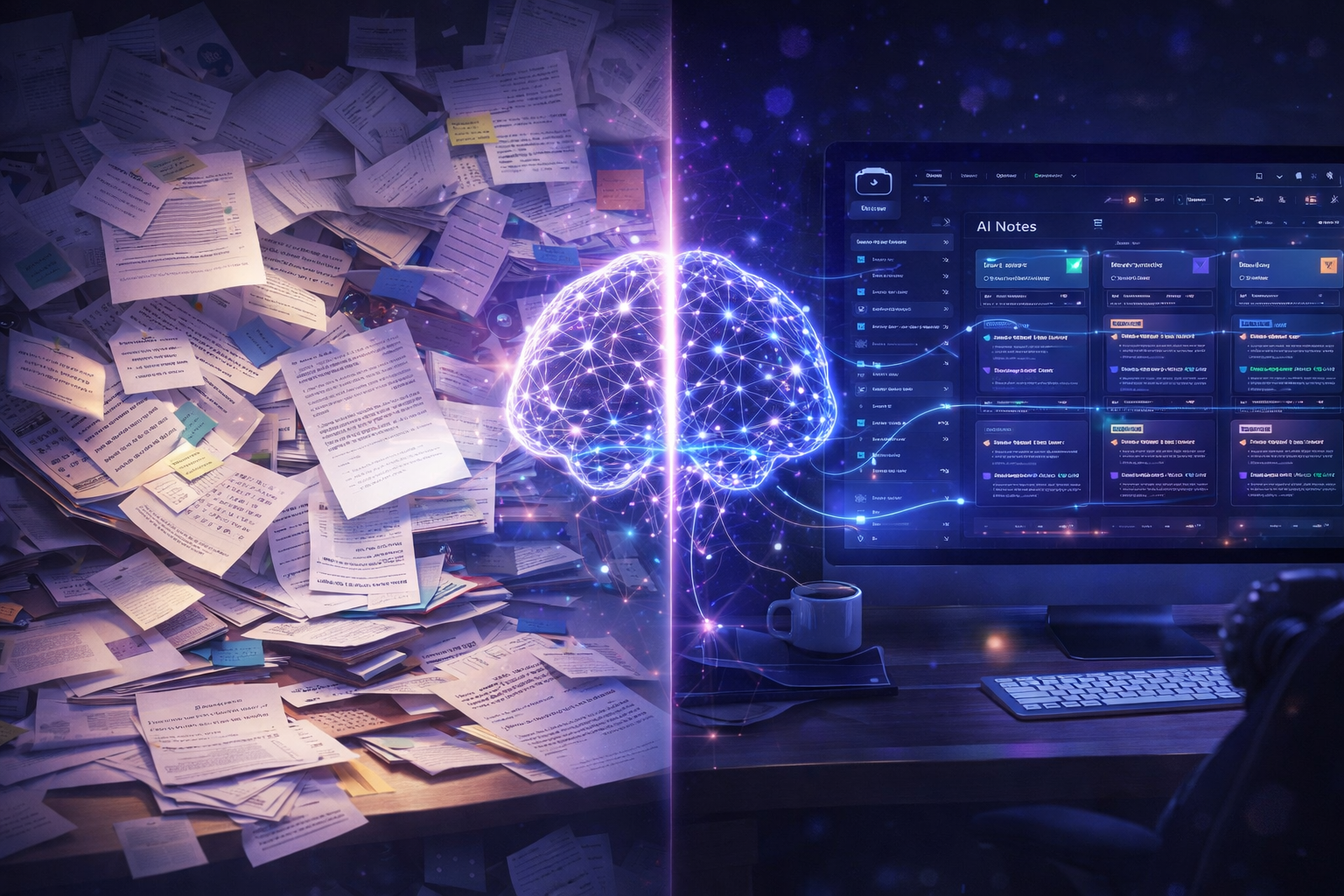
I used to save everything. Articles, PDFs, YouTube transcripts, screenshots… anything that felt even slightly useful.
Every time, I told myself, “I’ll come back to this later.”
The truth? I never did. Not even once.
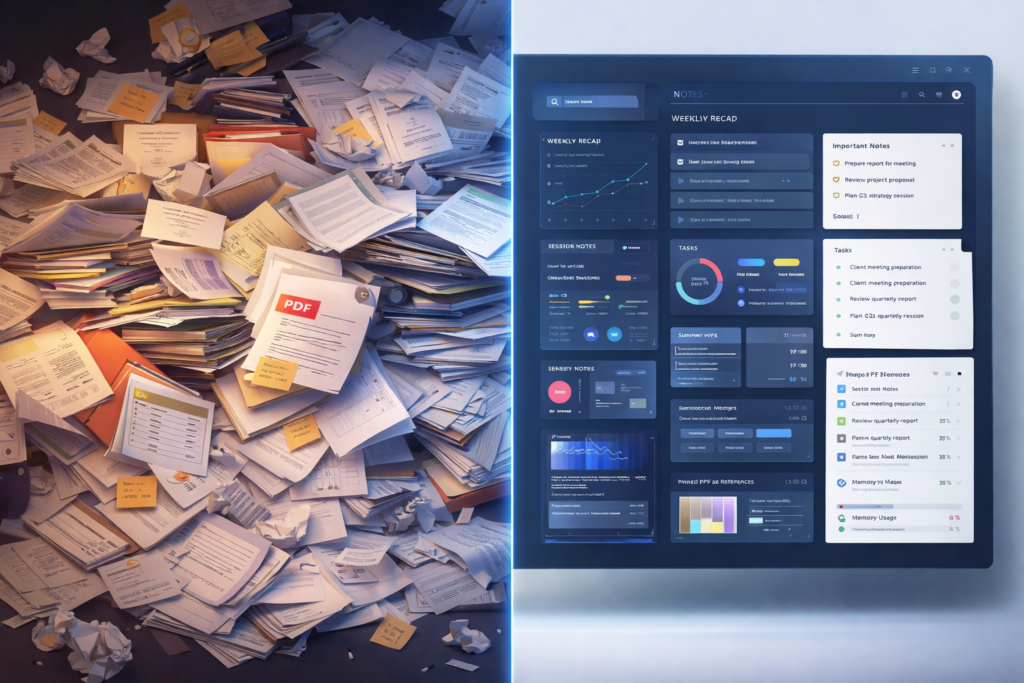
Slowly, everything just piled up. My Google Drive looked organized on the outside—but inside, it was a complete mess. Just folders full of ideas I never touched again.
Have you ever saved something valuable… and then completely forgotten it existed the next day?
Yeah, that was me.
That’s exactly why I decided to build a personal knowledge base using NotebookLM. I thought it would be simple.
It wasn’t.
But what I ended up building wasn’t just a place to store ideas—it became a way to actually think.
What Is a Personal Knowledge Base (And Why It Matters More Than Ever)
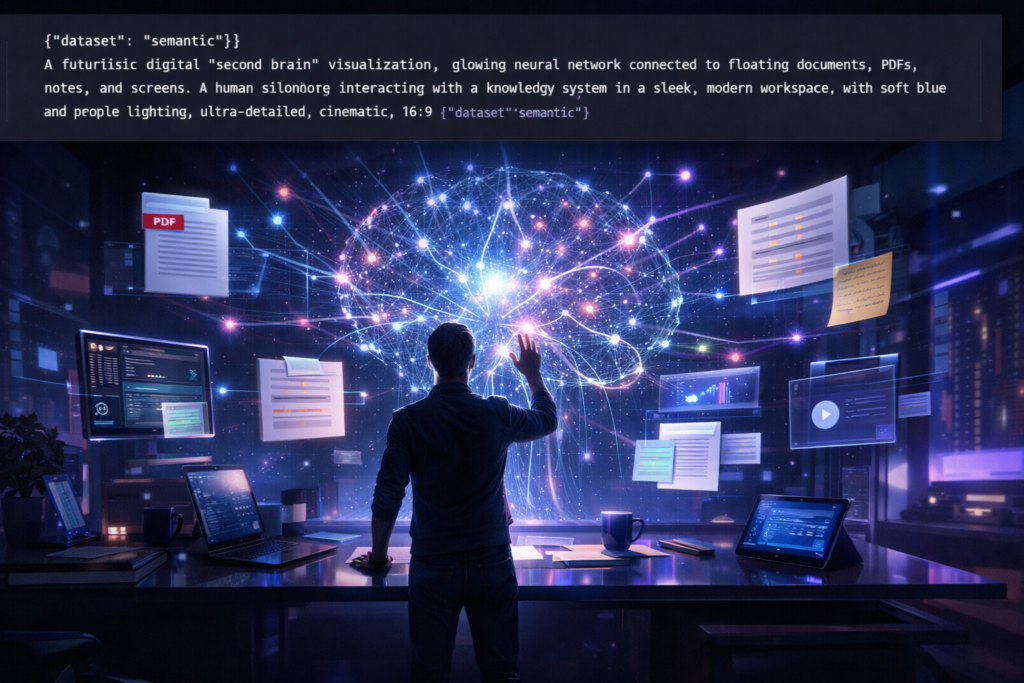
A personal knowledge base is also called a “second brain.” It is a system where you:
- Capture what you learn
- Organize what you learn
- Connect what you learn
- Use what you learn
The problem is:
Most people are only able to collect what they learn. Fewer people are able to connect what they learn. Almost no one is able to use what they learn.
That is the space a personal knowledge base using NotebookLM is designed to fill.
No longer do you have a static set of notes. Now, you have a dynamic experience that lets you explore your own ideas in real-time.
If you’re exploring more tools beyond a personal knowledge base using NotebookLM, check out this guide on the best AI tools for students in 2026:
Why NotebookLM Is Different From Traditional Note-Taking Tools

We’ve experimented with tools like Notion, Evernote, and Google Docs. And we’ve come to one conclusion:
They’re great for storing information. Not so great for thinking.
NotebookLM is different.
- It Uses Your Own Data as the Source
You upload your documents, your notes, your research.
The information you receive is informed directly by your own data. Not generic AI responses.
This makes your personal knowledge base:
- More relevant
- More personal
- More actionable
- It Helps You Discover Patterns and Connections
No longer do you have a set of notes. Now, you can pose questions like:
- “What patterns do these notes suggest?”
- “How are these ideas connected?”
No longer is your information just information. Now, it is a source of discovery.
- It Acts Like a Thinking Partner
NotebookLM is less a tool and more a research assistant, a writing collaborator, a reflection engine.
This is the beauty of a personal knowledge base using NotebookLM. We’re not just helping you build a knowledge base. We’re helping you think.
What Is NotebookLM? (Beginner-Friendly Explanation)
For the newcomer, we’ve broken it down for you as simply as we can:
We offer a service which allows you to upload your own material and put it into conversation with an AI, helping you build a personal knowledge base using NotebookLM.
You can pose a question. You can make a summary. You can investigate your ideas inside your personal knowledge base using NotebookLM.
The only thing we insist on is that it all comes out of your own personal knowledge base using NotebookLM, not generic information.
If you’d like to play around with it further on your own, you can do so at:
🔗 https://notebooklm.google/
Step-by-Step: How to Build a Personal Knowledge Base Using NotebookLM
After weeks of trial and error (and a lot of frustration), this is the system that finally works.
Step 1: Stop Uploading Everything
This is probably the biggest mistake people make when they start using a knowledge management system like NotebookLM.
More data = better results? Wrong! In fact:
- Too much info = noise.
- Too much info = frustration.
- Too much info = waste of your precious time.
What works instead:
- High-quality content.
- Ideas that are worth going back to.
- Ideas that are worth exploring further.
Clarity always trumps quantity.
Step 2: Organize Your System into Topic-Based Notebooks
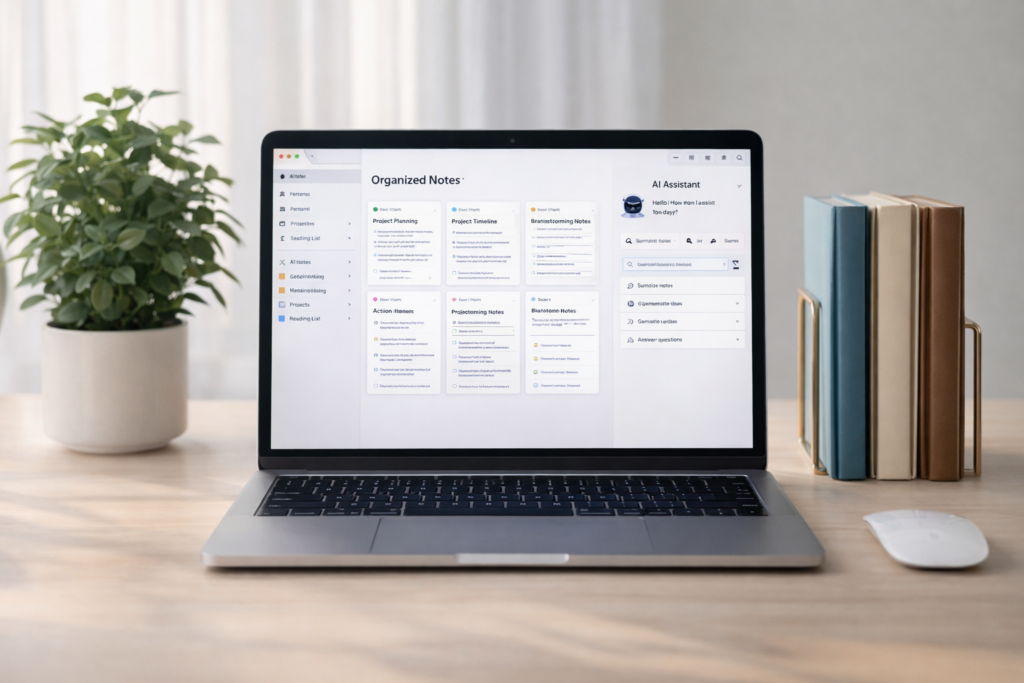
Don’t create a giant mess in your knowledge management system. Instead:
- Create separate notebooks that are focused on a topic or a set of related topics.
- For example:
- Content creation.
- Business ideas.
- AI tools.
- Writing systems.
Each notebook becomes a separate environment where your mind can think freely.
Step 3: Always Add Context (Game-Changer)
Don’t upload content without adding context. This is where most people get it wrong:
- Don’t just upload content; explain why it’s important to you.
- Ask yourself questions like:
- Why am I saving this?
- What do I hope to learn from this?
For example:
“I want to learn more about how storytelling can increase content engagement.”
This improves both AI responses and your own thought processes significantly.
If you’re exploring more tools beyond a personal knowledge base using NotebookLM, check out this guide on the best AI tools for students in 2026:
Step 4: Ask Better, Smarter Questions

Your AI assistant can only give you better responses if your questions are better to begin with:
- Bad questions:
- “Can you summarize that?”
- “What’s important in that?”
- “What patterns exist across these notes?”
Better questions lead to deeper insights.
Step 5: Use It Daily (Even Casually)
You don’t need long study sessions.
Use it naturally:
- While working
- While brainstorming
- While reflecting
Consistency is what turns this into a real system.
My Daily Workflow Using NotebookLM

Here’s how this looks in practice:
Morning
Start with clarity:
“What should I focus on today?”
Afternoon
- Add notes while working
- Ask context-based questions
Evening
Reflect and connect:
- “What did I learn today?”
- “What patterns do you see?”
Some of the best insights come from these small, consistent interactions.
If you’re exploring more tools beyond a personal knowledge base using NotebookLM, check out this guide on the best AI tools for students in 2026:
Common Mistakes to Avoid
- Uploading Too Much Information
This leads to confusion, not clarity.
- Expecting Instant Results
This system improves over time—not overnight.
- Asking Vague Questions
Clarity in = clarity out.
- Over-Optimizing the System
A simple system you use beats a perfect system you don’t.
- Giving Up Too Early
It feels confusing at first. That’s part of the process.
NotebookLM vs Other Tools (Honest Comparison)
| Feature | NotebookLM | Notion / Evernote |
|---|---|---|
| Storage | ✅ | ✅ |
| Organization | ✅ | ✅ |
| AI Interaction | ✅ Advanced | ⚠️ Limited |
| Idea Connection | ✅ Strong | ❌ Weak |
| Thinking Support | ✅ High | ❌ Low |
NotebookLM is not just a tool, it is a knowledge engine.
- Who Should Use a Personal Knowledge Base Using NotebookLM
- This personal knowledge base is for you if:
- You store content, but rarely look at it.
- You’re feeling overwhelmed by information.
- You want to improve your thinking and clarity.
- You’re a content creator or do research.
This personal knowledge base is for you if you want understanding, not just storage.
To understand the concept better, you can also read about the building a second brain method here: https://fortelabs.com/blog/building-a-second-brain/
Using NotebookLM for Content Creation

You might not expect this:
But creating content becomes much easier.
You can:
- Use your notes to generate ideas.
- Write articles faster.
- Connect ideas across topics.
- Even use existing content.
You’re not creating from scratch, you’re creating from your knowledge.
FAQs: Personal Knowledge Base Using NotebookLM
Is NotebookLM Beginner-Friendly?
NotebookLM might look unfamiliar at first, but becomes intuitive after frequent use.
How Much Content Should I Upload?
Remember, it’s not about how much you upload, it’s about how much of it matters.
Can NotebookLM Replace Note-Taking Apps?
While NotebookLM is not meant to replace note-taking apps, it works best alongside simple note-taking apps.
How Long Before It Becomes Useful?
Most users will see results within 1-2 weeks of regular use.
What type of content works best?
The kind you care about and want to use.
Is NotebookLM worth it in 2026?
Absolutely! Especially for those who want to think better and use knowledge better.
Final Thoughts: From Information Overload to Clear Thinking
It took me a while to build this tool.
It was messy.
Slow.
Frustrating at times.
There were many times when I wanted to throw it all away.
But then something changed.
My notes were no longer just for storage.
They were for conversation.
I no longer just collected ideas.
I connected them.
And when you make that switch—
Everything becomes different.
Because a personal knowledge base with NotebookLM is not just a productivity tool.
It’s a thinking tool.
And when you think better—
You’ll create better.
Learn better.
And use knowledge better.