
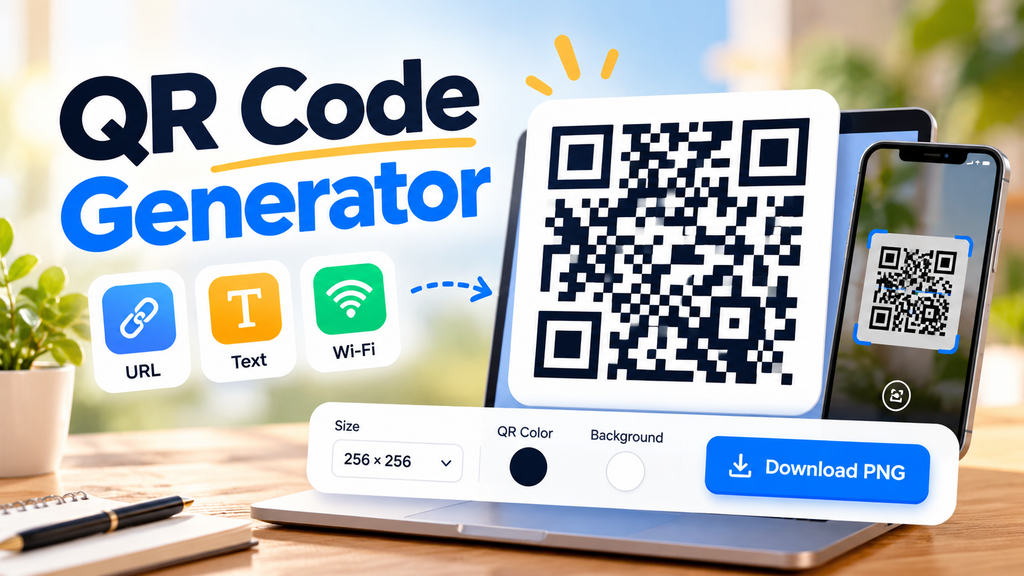
Create your own QR codes with our free QR Code Generator. You can generate QR codes for website links, plain text, and Wi-Fi networks in just a few steps. Customize the size and colors, preview your QR code, and download it as a PNG image.
Whether you want to share a website, help guests connect to Wi-Fi, or make information easier to access, this online QR code generator offers a simple way to create a QR code without installing additional software.
Free QR Code Generator
Create QR codes for websites, text and Wi-Fi networks.
Tip: Use a dark QR color on a light background for better scanning. Test your QR code before printing or sharing it.
How to Use the QR Code Generator
Creating a QR code is easy. Follow these steps to generate and download your code.
- Choose your QR code type: Select URL/Text for website links or other text, or choose Wi-Fi to create a network QR code.
- Enter your information: Add your website address, text, or Wi-Fi network details.
- Customize your QR code: Choose your preferred image size, foreground color, and background color.
- Generate the QR code: Click the Generate QR Code button to preview your result.
- Download your image: Click Download PNG to save the generated QR code to your device.
Before sharing or printing your QR code, scan it with a phone to make sure it works correctly.
What Is a QR Code?
A QR code, short for Quick Response code, is a two-dimensional barcode that stores information in a pattern of black and white or colored squares. A smartphone camera or compatible QR scanner can read the pattern and access the information it contains.
QR codes are commonly used to open websites, share contact details, connect to Wi-Fi networks, and provide access to digital information. They are useful because people can scan a code instead of manually typing a long URL or entering information.
What Can You Create With This Free QR Code Generator?
Website URL QR Codes
Turn a website address into a scannable QR code. You can use it on business cards, flyers, product packaging, posters, or other promotional materials to make your website easier to access.
Text QR Codes
Convert a short text message or other written information into a QR code. This can be useful for sharing instructions, reference information, or simple messages without requiring someone to type them manually.
Wi-Fi QR Codes
Create a QR code containing your Wi-Fi network name and connection details. Guests with compatible devices may be able to scan the code to connect without manually entering the network information.
Only create Wi-Fi QR codes for networks you own or are authorized to share. Anyone who can access a QR code containing your Wi-Fi password may be able to retrieve or use those connection details.
Customize Your QR Code
The QR Code Generator includes customization options to help you create an image that suits your needs.
- QR code size: Choose from 200, 256, 350, or 500 pixels.
- Foreground color: Select a color for the QR code pattern.
- Background color: Choose a contrasting background.
- PNG download: Save the generated QR code as an image for compatible digital and print uses.
For reliable scanning, use a dark foreground with a light background and maintain strong contrast. Avoid placing text or decorative elements over the QR pattern. Always test the downloaded image at the size you intend to use.
Are QR Codes Free to Create?
Yes. You can use this QR Code Generator to create and download QR code images without purchasing a QR code subscription.
This tool creates static QR codes. The information is encoded directly into the QR pattern rather than relying on a dynamic QR management service. If you encode a website URL, the code will continue to contain that same URL unless you generate a new QR code.
A static QR code does not automatically track scans or let you change its encoded destination later. Tracking and destination editing require additional services or a different implementation.
Frequently Asked Questions
Is this QR Code Generator free?
Yes. The tool is designed to generate QR codes and download them as PNG images without a paid subscription.
Can I create a QR code for any website?
You can enter a website URL or other text. Use a complete URL, including https://, when you want scanners to open a website directly.
Can I create a Wi-Fi QR code?
Yes. Choose the Wi-Fi option and enter your network name, password, and security type. Test the code on a compatible device before sharing it.
Can I change my QR code after downloading it?
No. A downloaded static QR code contains the information encoded when it was created. To change the information, generate and download a new QR code.
Will my QR code expire?
The generated static QR code itself does not have an automatic expiration date. However, a website link may stop working if the destination changes or becomes unavailable.
Can I use the QR code for printing?
Yes, but test the QR code at its final print size first. A larger image does not automatically guarantee better scanning; sufficient contrast, clear edges, and appropriate sizing are important.
Create Your QR Code Today
Use the free QR Code Generator on Digital Growth Guide to create QR codes for website links, text, and Wi-Fi networks. Customize the appearance, preview the result, and download your PNG image when it is ready.
For the best results, verify the QR code with a smartphone before sharing it online or including it in printed materials.
“`htmlExplore More Free Tools
Discover more useful online tools for your everyday tasks.
Explore All Tools →