
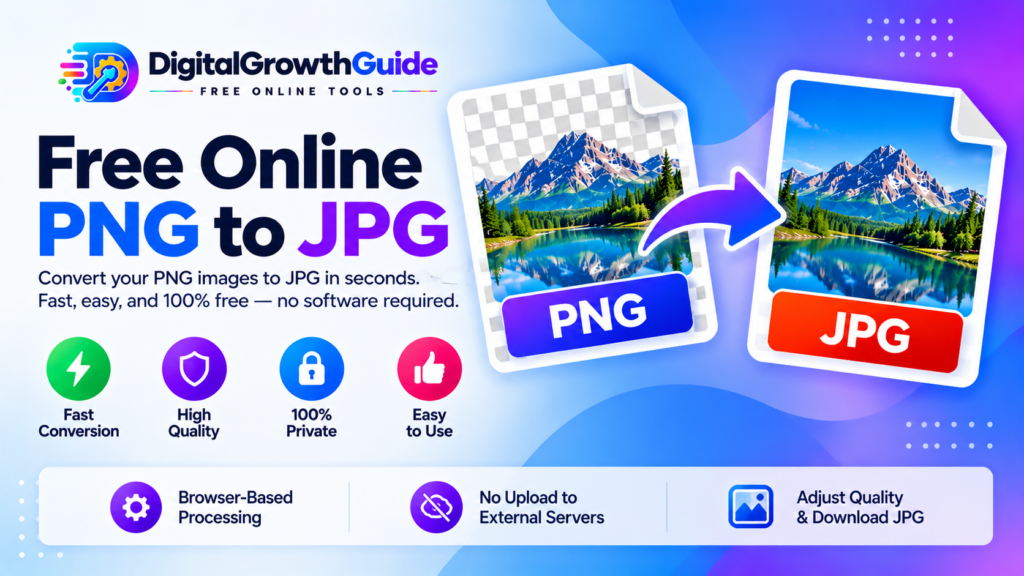
Need a smaller image file for a website, email, or online form? Our free PNG to JPG converter helps you convert PNG images into JPEG files directly in your browser. Select your PNG, adjust the output quality, preview the result, and download your JPG without installing additional software.
This tool is useful for bloggers, students, designers, website owners, and anyone who needs to convert an image to JPG format.
Free Online PNG to JPG Converter
Convert PNG images to JPG directly in your browser. Choose your image, set the quality, and download the result.
Select your PNG image
Choose a PNG file from your device.
PNG format · Maximum 25 MBJPG does not support transparency. Transparent areas in PNG images will be filled with a white background.
🔒 Images are processed locally in your browser, not uploaded to an external conversion server.
How to Convert PNG to JPG Online
Follow these simple steps:
- Choose your PNG image: Select a PNG file from your device.
- Adjust image quality: Use the quality slider to choose your preferred JPEG quality.
- Convert the image: Click Convert to JPG and wait for the result.
- Preview and download: Check the converted image and download the JPG file.
You can also explore our Image Format Converter for other supported image conversion tasks.
What Is the Difference Between PNG and JPG?
PNG and JPG are two widely used raster image formats, but they use different compression methods.
PNG uses lossless compression and supports transparency. It is often suitable for screenshots, diagrams, interface graphics, and images that need transparent backgrounds.
JPG, also known as JPEG, uses lossy compression. It is widely used for photographs because it can produce smaller files by discarding some image information.
The best format depends on how you plan to use your image. JPG is often convenient for photographs, while PNG can be preferable when transparency or lossless image storage is important.
Why Convert PNG to JPG?
Reduce file size
Photographic PNG files can be much larger than comparable JPG images. Converting a suitable image to JPEG may reduce its file size, depending on the image and selected quality setting.
Share images more conveniently
JPG is widely supported by browsers, image viewers, email applications, and many online platforms. A JPEG version may be useful when a website or form specifically requests JPG or JPEG.
Prepare photographs for websites
JPG can be a practical format for photographs used in articles, presentations, and digital projects. For website performance, consider image dimensions and compression as well as the file format.
Use our Image Resizer if you also need to change the width or height of your image. You can use the Image Cropper to remove unwanted edges before conversion.
What Happens to Transparency When Converting PNG to JPG?
One important difference is that JPEG does not support transparent pixels. If your PNG has a transparent background, converting it to JPG requires those transparent areas to be filled with a solid colour.
This converter uses a white background for transparent areas. If you need to retain transparency, keep the original PNG instead of converting it to JPG.
Does PNG to JPG Conversion Reduce Image Quality?
JPEG uses lossy compression, so some image information may be discarded during conversion. The quality setting lets you balance visual appearance and file size: higher settings generally retain more detail and may create larger files, while lower settings can produce smaller files with more visible compression.
Always preview the result before using it for professional graphics or important photographs. Keep a copy of the original PNG if you may need it later.
Is This PNG to JPG Converter Free and Private?
The converter is designed to process images in your browser using the HTML Canvas API. The implementation above does not upload image files to an external conversion server. Local processing can be useful when you prefer not to send images to a third-party converter.
For more technical information, read the MDN Canvas API documentation and the guide to HTMLCanvasElement.toBlob().
For image publishing tips, Google’s Image SEO best practices explain how image content can be prepared for search.
Frequently Asked Questions
Can I convert PNG to JPG for free?
Yes. This tool is designed for free browser-based conversion without requiring an account.
Will JPG always be smaller than PNG?
No. Results depend on the image content, dimensions, and JPEG quality setting. Compare the output size before deciding which format to keep.
Can JPG preserve a transparent background?
No. JPEG does not support transparency. Transparent regions are filled with white by this converter.
Does conversion change image dimensions?
The converter preserves the original image dimensions. Use an image resizer if you need different dimensions.
Convert Your PNG Image Today
Select your PNG image in the converter above, choose your preferred quality, and download the resulting JPG. Keep the original PNG if transparency or lossless storage is important for your project.
Helpful Image Conversion Resources
- MDN Canvas API – Browser graphics processing documentation.
- MDN toBlob() – Exporting canvas images as files.
- Google Image SEO Best Practices – Guidance for images in search.