
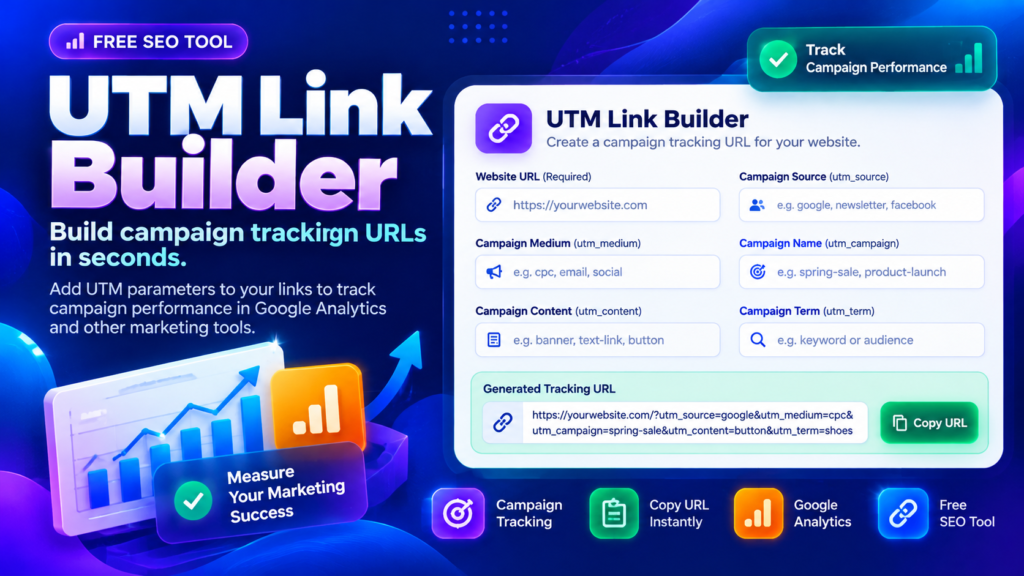
A UTM Link Builder helps you create campaign URLs that include tracking parameters. These tags make it easier to understand which marketing campaigns, platforms, and links bring visitors to your website when your analytics setup collects the information. Instead of guessing where traffic comes from, you can use consistently tagged links to organize campaign reporting.
This free tool lets you enter a destination URL, add campaign source and medium details, name your campaign, and include optional tracking values. You can then generate, copy, or download your campaign URL for use in your marketing workflow.
Campaign URL Builder
Generate precise, trackable UTM links for your marketing campaigns with automatic parameters encoding and fragment safety.
Generated URL
🔒 100% Private & Local
This tool runs entirely within your web browser using standard JavaScript APIs. No URLs, campaign names, or parameters are ever sent to external servers or logged in a database.
💡 Best Practices
- Use consistent lowercasing to prevent fragmented reporting in Google Analytics.
- Use underscores (_) or hyphens (–) instead of spaces.
- Ensure destination URLs return a 200 OK status and do not redirect away query parameters.
What Is a UTM Link Builder?
A UTM Link Builder adds campaign parameters to a normal website URL. UTM stands for Urchin Tracking Module, and these query parameters help analytics platforms classify visits associated with tagged links.
The most commonly used parameters are utm_source, utm_medium, and utm_campaign. Optional parameters include utm_content for differentiating links or creatives and utm_term for paid search terms. Google Analytics also recognizes parameters such as utm_id and utm_source_platform. Their values help describe the campaign that referred traffic.
For example, you might tag a newsletter link with a source of newsletter, a medium of email, and a campaign name of product_launch. When the link is used and analytics tracking is configured correctly, those tags can help organize campaign reporting.
How to Use the UTM Link Builder
Using this UTM URL builder is simple:
- Enter the full destination URL where visitors should land.
- Add a campaign source, such as
instagramornewsletter. - Choose a consistent medium, such as
social,email, orpaid_social. - Enter a campaign name that clearly identifies your promotion.
- Add optional content, term, campaign ID, or source platform values when relevant.
- Generate the tagged URL, then copy or download it for your campaign.
Before sharing a link, check the destination URL carefully. It should lead to the intended page, and its tracking values should describe the campaign accurately.
UTM Tracking Link Generator: Understanding the Parameters
A UTM tracking link generator works best when every parameter has a consistent purpose.
- Source (
utm_source): Identifies the referring platform or source, such asinstagram,google, ornewsletter. - Medium (
utm_medium): Describes the marketing channel, such asemail,organic_social, orcpc. - Campaign (
utm_campaign): Identifies a promotion or marketing effort, such asspring_sale. - Content (
utm_content): Helps distinguish creative versions or links within the same campaign. - Term (
utm_term): Can identify paid search keywords or other term-level details. - Campaign ID (
utm_id): Identifies a specific campaign when you use a consistent campaign ID.
Use the same spelling and naming format across campaigns. Values that differ only in capitalization or punctuation may be reported separately, making analysis less consistent.
UTM Link Builder and Google Analytics
A campaign URL builder supports measurement; it does not independently track visitors. Tracking depends on the destination website, its analytics configuration, consent settings, and the platform collecting campaign information.
For Google Analytics, campaign parameters can help identify sources, mediums, and campaign names in traffic reports. Google recommends using the relevant parameters consistently and explains how their values are used in reporting. Read Google’s official guide to collect campaign data with custom URLs.
UTM Link Builder Best Practices
Keep campaign names readable, descriptive, and consistent. For example, choose one naming convention such as spring_sale_2026 rather than mixing Spring Sale, spring-sale, and spring_sale across different links.
Avoid tagging internal navigation links in the same way as external campaign links because this can complicate attribution. Use campaign parameters primarily for links that bring visitors to your site from marketing activities. Also, remember that tagged URLs reveal their parameter values in the address bar, so do not place confidential or personal information inside them.
Frequently Asked Questions
Do UTM parameters change the destination page?
They normally leave the base page path intact while adding query parameters, but the website may have its own handling of query strings. Always test the final URL before sharing it.
Will a UTM Link Builder guarantee accurate analytics?
No. It creates tagged links, but reliable reporting also depends on correctly configured analytics, user consent, and consistent campaign naming.
Can I use UTM links on social media and email?
Yes. They are commonly used for campaign links in social posts, newsletters, advertisements, and other marketing channels when the destination URL supports them.
Final Thoughts
A UTM Link Builder helps you create organized tracking URLs without manually assembling every parameter. Use clear source, medium, and campaign values, review the final link, and test it before publishing. Consistent tagging gives your analytics reports a more useful foundation for understanding your marketing efforts.
Related Digital Marketing Tools
Explore these tools to support your link creation and content workflow.
- QR Code Generator — Create QR codes for website links and campaign destinations.
- SEO URL Slug Generator — Create readable, SEO-friendly page URLs.
- SERP Snippet Preview — Preview your page title and description.
- Keyword Density Checker — Review keyword frequency in your content.
Trusted External Resources
- Google Analytics: Campaign URL Builder Guide — Learn how UTM parameters help identify traffic campaigns.
- Google Analytics: Traffic Sources and Manual Tagging — Understand how campaign tags are used in Analytics reports.