
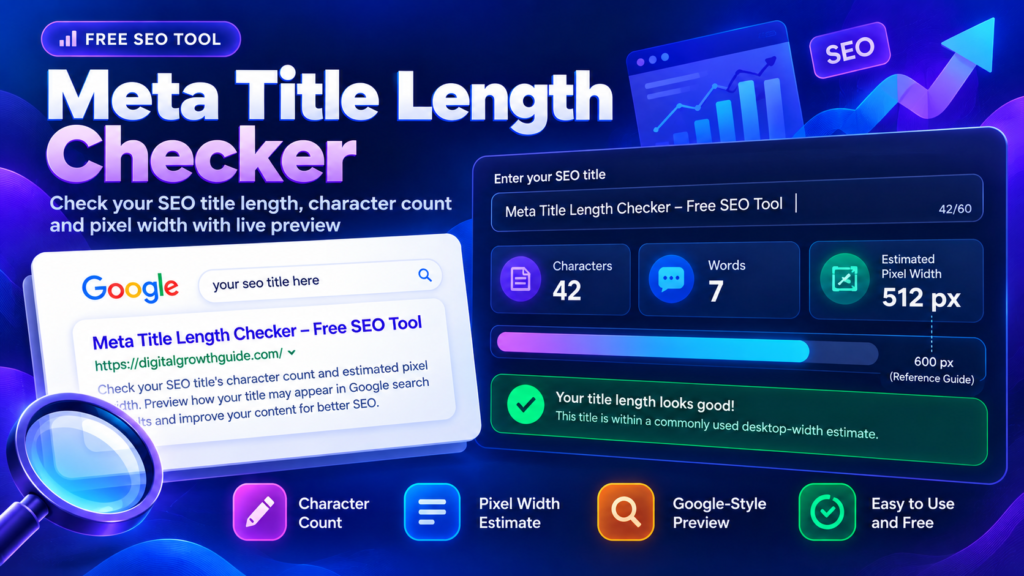
Writing a good SEO title is an important part of preparing a webpage for search engines. A Meta Title Length Checker helps you review your title before publishing by checking its character count, word count, and estimated pixel width. These measurements make it easier to spot titles that may be unnecessarily long or difficult to read.
A clear title should tell readers what your page offers without repeating keywords or adding unnecessary words. With this free tool, you can analyze your draft, preview how it may look in a search result, and make quick improvements before updating your website.
Meta Title Length Checker
Check your SEO title's character count and estimated pixel width, then preview how it may look in a Google-style result. Short, descriptive titles are easier to scan.
The checker counts characters and estimates rendered width with a browser canvas. Pixel estimates are a guide, not a Google guarantee.
Enter a title to begin. The preview updates as you type.
Important: Google does not publish a fixed character limit for title tags. Search title links can be shortened or rewritten based on device width and page signals. Use character and pixel counts as editorial guidance, not a ranking score.
What Is a Meta Title Length Checker?
A Meta Title Length Checker is an online tool that measures the text you plan to use as your page title. It helps you understand how long the title is and whether the wording could be more concise.
Character count is useful for a quick review, but it does not tell the whole story. For example, a title containing several wide letters, such as “W,” may take up more horizontal space than a title containing narrow letters, such as “i.” That is why checking estimated pixel width alongside character count can provide additional context.
This tool works as a practical meta title character counter and displays an approximate search-style preview to help you review your wording.
How to Use the SEO Title Checker
Using the tool is simple, even if you are new to search engine optimization.
- Enter your proposed title in the text field.
- Review the character count and word count.
- Check the estimated pixel width to understand how much space the title may occupy.
- Examine the search-result preview and make sure the wording is clear.
- Edit unnecessary words, then copy your revised title into your SEO plugin.
You can use this process for blog posts, service pages, product listings, landing pages, and other website content.
Remember that the preview is an estimate. Actual search-result displays can differ depending on the device, available space, query, and how Google generates title links.
Meta Title Character Count vs. Pixel Width
A title tag length checker measures the number of characters in a title. Pixel-width estimation measures how much horizontal space the text occupies using a particular font and size.
Both measurements can help during editing, but neither guarantees that Google will display the entire title exactly as written. Google does not specify a fixed character limit for title elements. Instead, title links may be shortened or generated from other relevant page content.
For official guidance, read Google's Title Link Best Practices.
As a practical approach, keep titles descriptive, remove unnecessary repetition, and place the main subject near the beginning when it reads naturally. Do not remove important information simply to reach an arbitrary character target.
How to Improve Your SEO Title Length
A useful SEO title checker should support better writing rather than encourage you to chase a perfect score.
Start by describing the page accurately. Include your primary keyword where it fits naturally, and explain what makes the page useful. If the title already communicates the topic clearly, adding more keywords may make it less readable.
Avoid using the same title across multiple pages. Each important page should have a title that reflects its specific content. Also, make sure the title matches the page heading and the information visitors find after clicking.
For a more complete on-page SEO workflow, use the Meta Description Length Checker to review your description, the SERP Snippet Preview to inspect a simulated search result, and the Slug Generator to create a readable URL.
Common Meta Title Mistakes to Avoid
Several small mistakes can make an otherwise useful title less effective.
- Keyword stuffing: Repeating the same phrase unnecessarily can make titles look unnatural.
- Vague wording: Readers should understand the page's subject without guessing.
- Unnecessary length: Remove filler words that do not improve meaning.
- Duplicate titles: Give important pages distinct, relevant titles.
- Ignoring accuracy: Never promise something in a title that the page does not deliver.
Google's SEO Starter Guide offers broader recommendations for creating useful, search-friendly content.
Frequently Asked Questions
What is the ideal meta title length?
There is no single character count that guarantees the best display or ranking. Aim for a concise, descriptive title and use the tool's estimated pixel width as a general editing reference.
Does a longer title hurt SEO?
Length alone does not determine whether a title is good. A long title may be shortened in some search layouts, so prioritize clarity, relevance, and useful wording.
Does the checker predict Google's exact title display?
No. It measures your text and estimates its width. Google may display a different title link depending on page content and search context.
Can I use this tool for ecommerce and blog pages?
Yes. You can review titles for blog articles, product pages, service pages, landing pages, and other types of website content.
Final Thoughts
A Meta Title Length Checker is a useful final review step before publishing. It helps you identify unnecessarily long titles, review character counts, estimate pixel width, and improve the wording of your search-title draft.
Use the numbers as guidance, not strict SEO rules. A title that accurately describes the page, reads naturally, and sets the right expectation for visitors is a stronger starting point than one written solely to meet a character target.
Related SEO Tools
Use these DigitalGrowthGuide tools to refine other parts of your on-page SEO workflow.
- Meta Description Length Checker — Review your search description wording and length.
- SERP Snippet Preview — Preview a search-style title and description together.
- Slug Generator — Create concise, readable URL slugs.
- Keyword Density Checker — Inspect keyword frequency in a draft.
- Internal Link Planner — Organize relevant internal links.
Trusted External SEO Resources
- Google Search Central: Title Link Best Practices — Learn how Google creates result titles.
- Google SEO Starter Guide — Read Google's general guidance on search-friendly pages.