
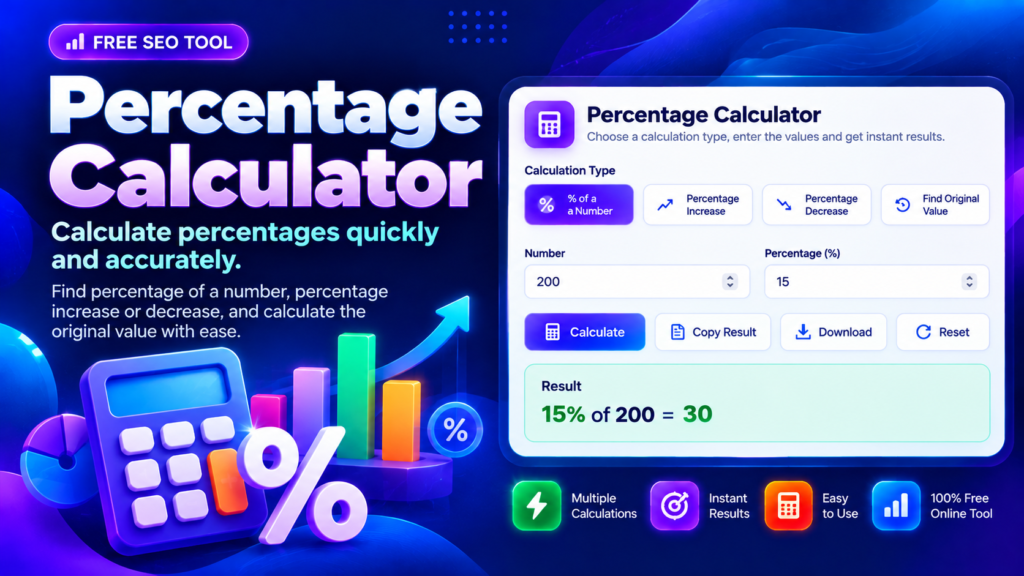
A Percentage Calculator makes it easy to work out percentages without doing every calculation manually. Whether you are checking a discount, comparing two values, calculating a price increase, or finding an original amount, this free online tool helps you get a clear answer in seconds. Enter your numbers, choose a calculation type, and review the result and formula.
Percentages are used in shopping, budgeting, education, business reports, analytics, and everyday decisions. Understanding how a percentage is calculated can help you interpret prices, compare changes, and avoid common arithmetic mistakes.
Percentage Calculator
What Is a Percentage Calculator?
A Percentage Calculator is an online utility that solves common percentage problems using simple mathematical formulas. Instead of remembering each formula, you can select the calculation you need and enter the relevant values.
For example, if an item costs ₹2,000 and has a 15% discount, the discount amount is ₹300. You can then subtract the discount from the original price to calculate the final price. The same approach can help with marks, expenses, sales figures, and other numerical comparisons.
This tool can calculate the percentage of a number, determine what percentage one number represents of another, calculate percentage increases or decreases, and work backwards to find an original value.
How to Use the Percentage Calculator
Using the tool is straightforward:
- Choose the calculation type that matches your question.
- Enter the required number or percentage values.
- Select Calculate to view the answer.
- Review the formula and explanation to understand how the result was obtained.
- Copy the result or download a text report if you need it for your records.
Choose the correct mode before entering values because percentage-of-a-number calculations and percentage-change calculations use different formulas. If a result seems unexpected, check the input values and the calculation type.
Percentage of a Number Calculator
A percentage of a number calculator finds a specified percentage of a given value. The formula is:
Result = (Percentage ÷ 100) × Number
For instance, 20% of 450 is 90 because 0.20 × 450 = 90. This calculation is useful when working out discounts, tax amounts, budget allocations, exam scores, or a share of a total.
If you know the original amount and the percentage, you can use this method to calculate the corresponding value quickly.
Percentage Increase Calculator and Percentage Decrease Calculator
A percentage increase calculator compares an original value with a larger new value. Subtract the original value from the new value, divide the difference by the original value, and multiply by 100.
For example, an amount increasing from 80 to 100 has increased by 25%. The difference is 20, and 20 ÷ 80 × 100 = 25%.
A percentage decrease calculator follows the same general method, but the new value is lower than the original. If a price drops from 100 to 80, the decrease is 20%. Always use the original value as the denominator when calculating percentage change.
Reverse Percentage Calculator: Find the Original Value
Sometimes you know the final amount but need to find the value before a percentage increase or decrease. A reverse percentage calculation can help.
If the final amount is 120 after a 20% increase, divide 120 by 1.20 to find the original value of 100. If a price becomes 80 after a 20% decrease, divide 80 by 0.80 to obtain the original value of 100.
Remember that reversing a percentage change requires division by the appropriate multiplier, not simply adding or subtracting the same percentage from the final amount.
Common Percentage Calculation Mistakes
One common mistake is confusing percentage points with percentage change. An increase from 10% to 15% is an increase of five percentage points, but the relative increase is 50%.
Another mistake is using the wrong starting value when comparing changes. For a standard percentage increase or decrease, the original amount is the reference value. If that original value is zero, the usual percentage-change formula is undefined.
Frequently Asked Questions
How do I calculate a percentage manually?
Divide the relevant part by the total and multiply by 100. For example, 30 out of 150 is 20%, since 30 ÷ 150 × 100 = 20%.
Can I calculate percentage increases and decreases?
Yes. Select the relevant mode, enter the original and new values, and review the calculated change.
Can a Percentage Calculator find an original price?
Yes. When you know the final value and the percentage increase or decrease, a reverse calculation can determine the original amount, provided the inputs are valid.
Final Thoughts
A Percentage Calculator is a practical tool for everyday maths, shopping, budgeting, and comparing numerical changes. Use the calculation mode that matches your question, check the formula, and confirm that the numbers represent the values you intended to compare. Clear inputs and the correct reference value are the keys to getting a meaningful result.
Related Online Tools
Explore more free tools for everyday calculations, writing and digital tasks.
- Word Counter — Count words and characters in your text.
- Reading Time Calculator — Estimate how long it takes to read your content.
- QR Code Generator — Generate QR codes for compatible text and links.
- SEO URL Slug Generator — Create readable URL slugs for your pages.
Learn More About Percentages
- Math Is Fun: Percentage — Learn how percentages work with examples.
- Khan Academy: Percentages — Review percentage concepts and calculations.