
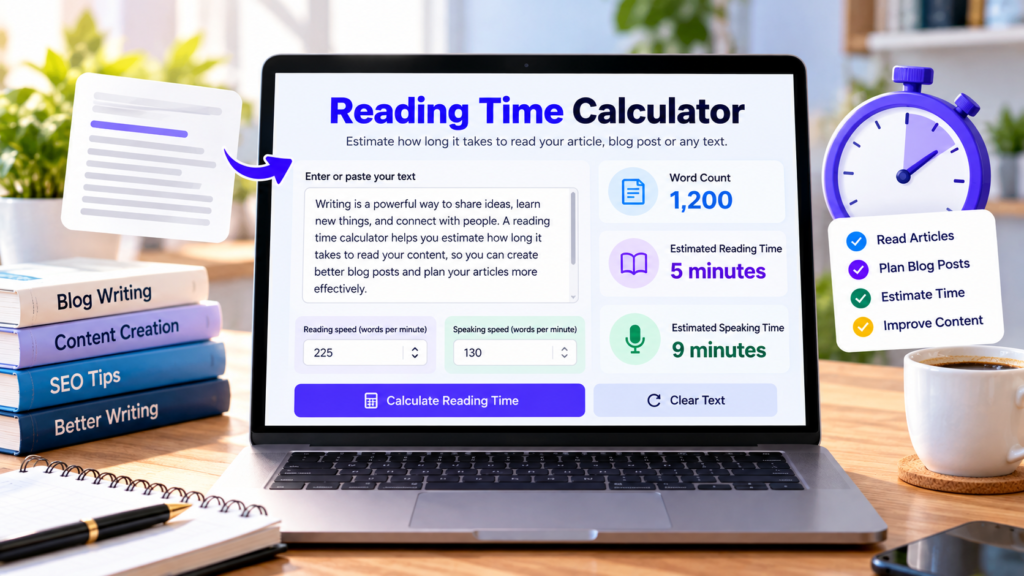
A reading time calculator helps you estimate how long it may take to read an article, blog post, essay, or other written content. Whether you are a blogger, student, website owner, or content creator, knowing the estimated reading time can help you plan and present your content more effectively.
With the free Reading Time Calculator from DigitalGrowthGuide, you can paste your text, check the total word count, and estimate both reading time and speaking time. You can also adjust the words-per-minute settings to suit your needs.
Free Reading Time Calculator
Find out how long it may take to read your blog post, article, essay, or other text. Paste your text below to calculate word count and estimated reading time.
Reading and speaking times are estimates based on the selected speeds. Actual time varies with text complexity, reading ability, pauses, and presentation style. Text is processed locally in your browser by this tool.
What Is a Reading Time Calculator?
A reading time calculator estimates how long a person might need to read a piece of text. It generally works by dividing the total number of words by an assumed reading speed.
For example, a 900-word article read at 225 words per minute takes approximately four minutes to read. The actual time may be longer or shorter depending on the reader, the topic, and the complexity of the content.
Our online reading time calculator also estimates speaking time, which can be useful when preparing presentations, speeches, or scripts.
How to Use Our Free Reading Time Calculator
Using the tool is simple:
- Copy your article, essay, blog post, or other text.
- Paste it into the calculator’s text box.
- Review the automatically calculated word count.
- Adjust the reading speed if you prefer a different estimate.
- Change the speaking speed to estimate presentation duration.
- Copy the results or clear the text to start another calculation.
The calculator works directly in your browser and does not require an account.
Why Is Estimated Reading Time Useful?
1. Improve the Reader Experience
Readers often appreciate knowing approximately how long an article may take to finish. An estimated reading time can help visitors decide whether to read a post immediately or save it for later.
2. Plan Blog Content
Bloggers can use a reading time calculator when preparing articles and planning their publishing schedule. It provides a quick way to compare the length of different posts.
3. Prepare Presentations and Speeches
Speaking time is different from reading time because presentations may include pauses, explanations, and audience interaction. A speaking-time estimate can help you prepare a script that fits your available time.
4. Support Academic Work
Students can estimate how long a reading passage or essay might take to review. Teachers can also use word counts and estimated reading durations when preparing learning materials.
5. Review Website Content
Website owners can use estimated reading time as one element of content presentation. However, reading time alone does not determine whether a page is useful, engaging, or successful in search results.
How Is Reading Time Calculated?
A reading time calculator commonly uses this formula:
Estimated reading time = Total word count ÷ Reading speed
For example, if an article contains 1,200 words and the selected reading speed is 240 words per minute, the estimated reading time is five minutes.
Speaking time uses the same principle but applies a speaking speed instead. The result is an estimate, not a guarantee of the exact time required.
Our tool starts with a reading speed of 225 words per minute and a speaking speed of 130 words per minute. You can change these values to calculate a different estimate.
Reading Time vs. Speaking Time
Reading time estimates how long it may take to read text silently. Speaking time estimates how long it may take to deliver the same words aloud.
Speaking generally takes longer because people may pause for emphasis, breathe, pronounce words carefully, or interact with an audience. The appropriate speaking speed depends on the speaker and the presentation.
For an important event, rehearse your presentation and time it directly rather than relying only on a calculator.
Frequently Asked Questions
Is this reading time calculator free?
Yes. You can use the DigitalGrowthGuide calculator without paying or registering for an account.
Can I calculate the reading time of a blog post?
Yes. Paste the blog post text into the tool to estimate its reading duration.
Can I change the reading speed?
Yes. The default is 225 words per minute, but you can adjust the value to calculate a personalized estimate.
Does the calculator count words automatically?
Yes. It counts whitespace-separated word units in the text you enter and updates the estimated times automatically.
Is reading time always accurate?
No. Actual reading speed varies with familiarity, vocabulary, formatting, and text complexity. Treat the result as a helpful estimate.
Calculate Your Reading Time Today
Use the free reading time calculator on DigitalGrowthGuide to estimate reading and speaking durations for articles, essays, blog posts, and presentations. Paste your text, choose your preferred speeds, and get an instant estimate to help plan your content more effectively.
Explore More Writing Tools
Try these useful free tools to analyze and improve your text.
- Free Sentence Counter Tool — Estimate how many sentences your text contains.
- Free Word Counter — Count words in articles, essays, and documents.
- Free Character Counter — Check the character length of your text.
Explore More Free Tools
Discover more useful online tools for your everyday tasks.
Explore All Tools →Helpful Reading and Writing Resources
Explore these resources to improve your writing, understand readability, and create useful online content.
- Purdue OWL – Grammar and Writing — Explore grammar, sentence structure, and writing guidance.
- Nielsen Norman Group – How Users Read on the Web — Learn about online reading behavior and content presentation.
- Google Search Central – Creating Helpful Content — Learn how to create useful, reader-focused website content.
SERP Snippet Preview
Preview your page title, meta description and URL in a simulated search result. Refine your wording to make your page clear and relevant before publishing.
Enter a full URL to preview its address.
Enter a title, description and URL to update the preview.
Important: This is a simulated preview, not an exact Google result. Google may generate a different title or snippet depending on the query, device, and page content. Character counts and visual layout are guides, not ranking guarantees.