
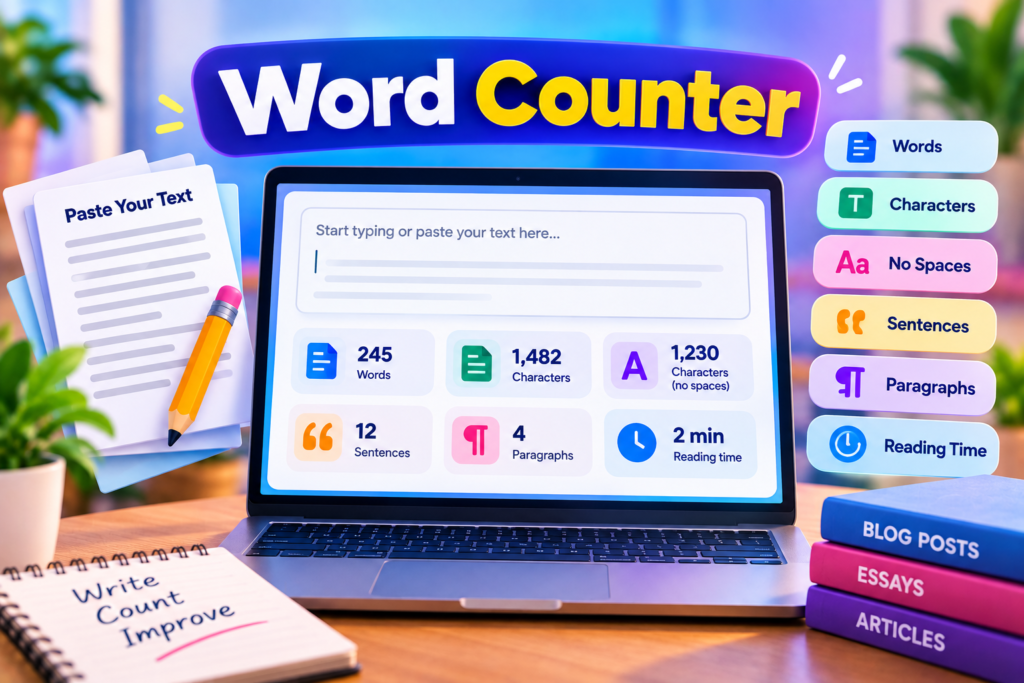
Our free Word Counter helps you count words and characters in your text instantly. Whether you are writing a blog post, preparing an assignment, creating social media content, or drafting a professional email, this online tool makes it easy to check your text length.
Simply type or paste your text into the box above. The tool automatically displays the word count, character count, character count without spaces, estimated sentence count, paragraph count, and estimated reading time. You can also copy your text or clear the box when you want to start again.
Free Online Word Counter
Count words, characters, sentences and paragraphs instantly.
Counts update as you type.
How to Use the Word Counter
Using this online word counting tool is simple:
- Open the text box above.
- Type your content or paste text from a document.
- Check the word and character counts displayed below the text box.
- Review the sentence count, paragraph count, and estimated reading time.
- Use the Copy Text button to copy your content or Clear Text to remove it.
The counts update as you type, so you do not need to submit your text or refresh the page. You can use the tool while drafting articles, editing assignments, or checking the length of short messages.
Word Counter Features
This free online tool provides several useful text statistics.
- Word count: Estimates the number of words separated by whitespace.
- Character count: Counts the characters in your text, including spaces and line breaks.
- Characters without spaces: Counts characters after removing whitespace.
- Sentence count: Estimates sentences using common sentence-ending punctuation.
- Paragraph count: Counts non-empty paragraphs separated by blank lines.
- Reading time: Estimates reading time using an average speed of 200 words per minute.
- Copy text: Copies your entered text when clipboard access is available.
- Clear text: Removes the current text so you can begin a new count.
These features make the tool useful for everyday writing and editing tasks.
Why Is Word Count Important?
Word count helps writers stay within a required length and organize their content effectively. Students may need to follow assignment limits, bloggers may plan article length, and professionals may want concise reports or emails.
Checking the length of your content can also help you identify sections that need more explanation or paragraphs that could be shortened. However, a particular word count does not automatically make writing clear or useful. The quality, accuracy, structure, and relevance of the content remain important.
Word Counter for Students
Students often work with essays, reports, summaries, and assignments that have minimum or maximum word limits. A word counter provides a quick way to check whether a draft meets the requested length before submission.
You can also use the character count when filling out online forms or preparing short responses with character limits. Always follow your school or institution’s specific counting rules, because some word processors may treat hyphenated terms, numbers, and other text differently.
Word Counter for Bloggers and Content Writers
Bloggers and content writers use word counts to plan article sections, review drafts, and maintain consistent formatting. Checking the length of a draft can help with editorial planning, especially when several articles need to follow a similar structure.
For search engine optimization, do not focus only on reaching a particular word count. Instead, answer the reader’s question clearly, organize the information with useful headings, and remove unnecessary repetition. There is no universal word count that guarantees high Google rankings.
Word Counter for Social Media and Emails
Social media posts, advertisements, email subject lines, and online profile descriptions may have character limits. Character counting helps you prepare text that fits the requirements of a platform or form.
Different platforms can count spaces, emojis, links, and special characters differently. Use this tool for a general count, then check the final text in the destination platform if an exact limit matters.
How Does This Word Counter Work?
The tool processes the text entered into its text box in your browser. It updates the displayed statistics as you type and does not intentionally send your text to a server.
Word count is based on groups of text separated by whitespace. Sentence count is an estimate based on punctuation, while reading time uses an assumed rate of 200 words per minute. These methods are useful for quick checks, but they may differ from the counting rules used by specific applications.
Frequently Asked Questions
Is this Word Counter free?
Yes. You can use this online tool to count words and characters without paying a fee.
Does it count characters with spaces?
Yes. The character count includes spaces and line breaks. A separate statistic shows the character count without whitespace.
Can I count words in a long article?
You can paste long text into the box, subject to your browser and device’s practical limits.
Is my text uploaded?
The tool processes the text in your browser and does not intentionally upload it to a server. For highly confidential information, always follow your organization’s data security rules.
Is the reading time exact?
No. Reading time is an estimate based on 200 words per minute. Actual reading speed varies by person and content type.
Start Counting Words
Use the free Word Counter above whenever you need a quick text-length check. Review the word count, character count, paragraphs, and estimated reading time, then continue editing your content with confidence.
Trusted Password Security Resources
Learn more about creating and managing strong passwords from these trusted security resources.
- NIST – Multi-Factor Authentication — Learn how an additional authentication method can help protect your accounts.
- CISA – Use Strong Passwords — Explore practical advice for creating and managing stronger passwords.
- Google Account Help – Create a Strong Password — Review Google’s guidance for protecting your account.
Explore More Free Tools
Discover more useful online tools for your everyday tasks.
Explore All Tools →