
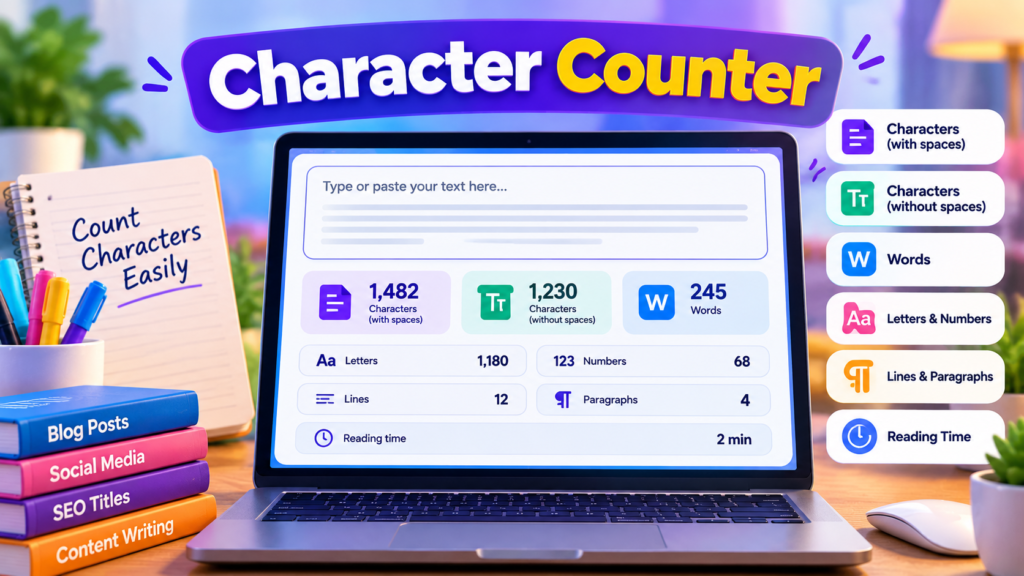
A Character Counter is a simple online tool that helps you calculate the number of characters in your text. Whether you are writing a social media caption, preparing a website title, creating an advertisement, or editing an article, knowing your text length can help you stay within character limits.
Our free Character Counter lets you count characters with spaces and without spaces instantly. You can also check word count, letters, numbers, lines, paragraphs, and estimated reading time. Simply enter or paste your text into the text box, and the results update automatically.
Free Character Counter
Count characters with spaces, without spaces, words, letters and lines instantly.
What Is a Character Counter?
A character counter measures the length of a piece of text. Characters include letters, numbers, spaces, punctuation marks, and other symbols. The total character count depends on which characters are included in the calculation.
For example, the sentence “Hello World!” contains 12 characters when the space and punctuation mark are included. Without the space, it contains 11 characters.
A character counter is useful whenever a platform, form, title, or message has a maximum text length. Instead of counting manually, you can check your text in seconds.
How to Use Our Free Character Counter
Using this online character counting tool is easy:
- Open the Character Counter tool.
- Type your text or paste it into the text box.
- Check the total character count, including spaces.
- View the character count without spaces.
- Review the word count, letters, numbers, lines, and paragraphs.
- Copy your text if you want to use it elsewhere, or select Clear Text to start again.
The counts update as you type, so you do not need to press a separate counting button.
Key Features of the Character Counter
1. Character Count With Spaces
This measurement includes spaces, punctuation, letters, numbers, and other characters. It is useful when a form or platform counts every character in your text.
2. Character Count Without Spaces
This measurement excludes whitespace characters, including spaces and line breaks. It helps you see how many non-whitespace characters your text contains.
3. Word Counter
The tool estimates the number of words by separating text at whitespace. This is useful for checking the length of captions, short articles, assignments, and other written content.
4. Letter and Number Count
Check how many letters and numeric characters appear in your text. These statistics can help you review text structure and identify the types of characters used.
5. Line and Paragraph Counter
The line counter counts lines separated by line breaks. The paragraph counter estimates paragraphs separated by blank lines. These counts can help you organize longer pieces of writing.
6. Estimated Reading Time
The tool estimates reading time using an average reading speed of 200 words per minute. Actual reading time varies depending on the reader, language, and complexity of the text.
7. Copy and Clear Options
Copy your text for use in another application, or clear the text box to begin a new count. The tool is designed to work directly in your browser.
Why Is Character Counting Important?
Character limits matter in many types of digital communication. A social media post may have a platform-specific limit, a website title should remain concise, and an online form may reject text that exceeds its permitted length.
A character counter helps you identify overly long text before you publish or submit it. It can also make editing easier by showing whether removing unnecessary words, spaces, or punctuation changes your text length.
Remember that limits vary between platforms and can change over time. Always check the current rules for the service where you plan to publish your text.
Who Can Benefit From a Character Counter?
Students: Check assignment instructions, short answers, and writing exercises when a character limit applies.
Writers and bloggers: Review headings, summaries, descriptions, and short promotional messages.
Social media users: Prepare concise captions and messages that fit the current requirements of each platform.
SEO professionals: Check title tags and meta descriptions while editing search snippets. Character count is a useful guideline, but search engines may display different text lengths depending on device, query, and available display space.
Developers: Inspect text input, test sample strings, and review character lengths during development.
Business owners: Prepare short product descriptions, advertisements, and customer messages with greater control over text length.
How Does This Character Counter Work?
The tool processes the text entered into its text box and updates the statistics in your browser. It calculates the total character count, removes whitespace for the count without spaces, estimates words from whitespace-separated text, and identifies letters, numbers, lines, and paragraphs.
The reading-time figure is an estimate rather than a guarantee. For ordinary use, these calculations provide a quick overview of your text without requiring you to count each character manually.
Frequently Asked Questions
Is this Character Counter free?
Yes. You can use the tool to check text length without paying for character-counting features.
Does it count spaces?
Yes. The tool displays both the total character count and the count without whitespace.
Can I count characters in social media captions?
Yes. Paste your caption into the text box to check its length. Confirm the latest character limit on the platform where you intend to post.
Does punctuation count as a character?
Yes. Punctuation marks are included in the total character count.
Can I count characters in a long article?
Yes. You can paste longer text into the tool, subject to your browser and device’s available resources.
Is the character count always the same as a platform’s count?
Not necessarily. Different platforms and applications may handle Unicode characters, emojis, line breaks, and other text differently. For strict limits, verify the final text in the destination platform.
Is my text uploaded to a server?
This tool’s counting calculations run in your browser. The supplied tool code does not send the entered text to a server. However, the website itself may use separate analytics or other services, so avoid entering passwords or confidential information.
Start Counting Characters Now
Use the free Character Counter above to check your text in seconds. Whether you are editing a caption, writing a title, preparing a message, or reviewing an article, quick character counts can make your writing process easier.
Helpful Text and Writing Resources
Explore useful resources for writing, editing, and preparing clear, effective online content.
- Google Search Central – SEO Starter Guide — Learn how to create helpful, search-friendly website content.
- PlainLanguage.gov – Writing Guidelines — Explore ways to make your writing clearer and easier to understand.
Explore More Free Tools
Discover free online tools for writing, text analysis, PDF documents, and everyday tasks.
Explore All Tools →