
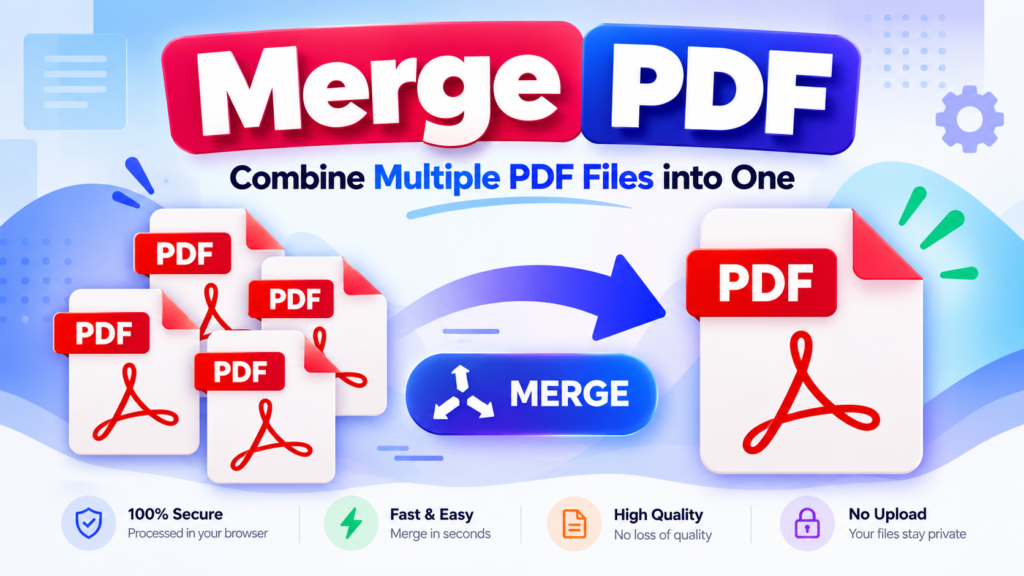
Need to combine multiple PDF documents into one file? The free Merge PDF tool on DigitalGrowthGuide.com helps you bring separate PDF files together into a single document. It is useful for organizing reports, notes, invoices, assignments, and other documents.
Merge PDF Files Online
Combine multiple PDF documents into a single, high-quality PDF file instantly. 100% secure, processed right in your browser.
Drag & Drop PDF files here
or click to browse your device
Processing PDFs…
What Is a PDF Merger?
A PDF merger combines two or more PDF files into one PDF document. Instead of managing several separate files, you can create one organized document that is easier to store, share, and access.
How to Merge PDF Files Online
- Open the Merge PDF tool.
- Select or upload the PDF files you want to combine.
- Arrange the files in your preferred order, if ordering is supported.
- Click the merge button to process your files.
- Download the combined PDF when processing is complete.
Tip: Check the order of your files before merging to ensure the final document follows the sequence you need.
Benefits of Combining PDF Files
- Better organization: Keep related documents together.
- Simpler sharing: Share one combined file instead of several attachments.
- Convenient storage: Organize project documents, study materials, and reports.
- Improved workflow: Combine related PDFs before archiving or submitting them.
When Should You Use a PDF Merger?
A PDF merger can be helpful when combining school assignments, business reports, invoices, meeting notes, scanned documents, or reference materials. It can also help organize multiple chapters or sections into a single document.
Is It Safe to Merge PDF Files Online?
Before uploading confidential documents, review how the tool processes files and whether they are uploaded to a server or processed locally in your browser. Avoid uploading sensitive documents to services whose privacy practices you have not verified.
Tips for Getting the Best Results When Merging PDFs
Before combining your documents, take a moment to organize your files. Give each PDF a clear filename so you can identify the correct document easily. If your PDF merger supports file reordering, arrange the documents in the order you want them to appear in the final file.
Check that each PDF opens correctly before merging. Damaged, password-protected, or encrypted documents may cause processing errors, depending on the tool and the document’s security settings. If a file cannot be processed, verify that you have permission to access it and try an accessible, unprotected copy when appropriate.
For very large documents, consider merging smaller groups of PDFs first if your browser runs out of memory. Keep your original files until you have opened and checked the merged document. This gives you a backup if any pages are missing or appear in an unexpected order.
Does Merging PDFs Affect Document Quality?
Merging PDF files generally combines their pages into one document without intentionally reducing image quality. However, the final result can depend on the PDF library and the features used by the source documents. Some interactive elements, forms, bookmarks, digital signatures, or advanced document features may not be preserved exactly by every merger.
After downloading the combined PDF, open it and review the page order, text, images, and layout. If the document will be submitted for official or professional use, check that all required pages are present before sharing it.
Who Can Benefit from a PDF Merger?
Students can combine assignments and study notes, while professionals can organize reports, invoices, and meeting documents. Freelancers may find it useful for preparing client deliverables, and businesses can bring related records together for easier storage and sharing. A PDF merger offers a simple way to manage documents without keeping every section in a separate file.
Frequently Asked Questions
Can I merge multiple PDF files into one?
Yes. A PDF merger is designed to combine multiple PDF documents into a single file. The number of files supported depends on the tool.
Will merging PDFs reduce their file size?
Not necessarily. Merging combines documents but does not automatically compress their contents. Use a PDF compression tool if you need to reduce the final file size.
Can I choose the order of PDF files?
This depends on the tool’s features. If file reordering is available, arrange the documents before merging.
Is a PDF merger useful for students and professionals?
Yes. It can help combine assignments, reports, reference documents, invoices, and other related files.
Conclusion
The Merge PDF tool at DigitalGrowthGuide.com provides a convenient way to combine separate PDF documents into one file. Prepare your files, arrange them in the required order if supported, and download the merged document for easier organization and sharing.
Helpful PDF Resources
Learn more about working with PDF documents, combining files, and managing your digital documents.
- Adobe Acrobat – PDF Resources — Learn about PDF documents and their common uses.
- Adobe Acrobat – Combine PDF Files — Explore ways to combine multiple PDF documents.
Explore More Free Tools
Discover useful PDF tools and free online utilities for your everyday tasks.
Explore All Tools →