
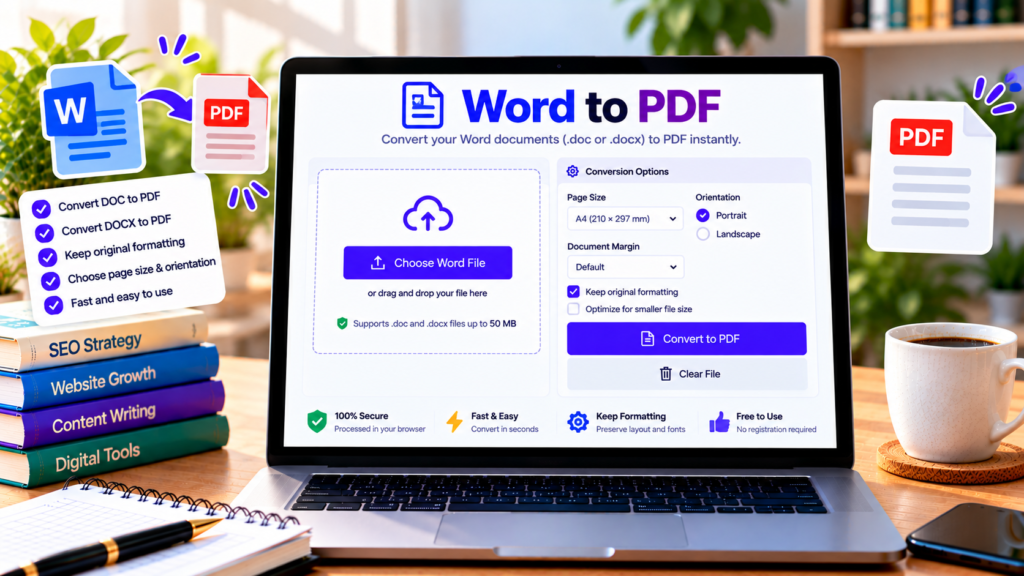
Need to share a Word document in a format that is easy to open and distribute? A Word to PDF converter helps you turn a Word document into a PDF file. PDF documents are widely supported across computers and mobile devices, making them convenient for sharing reports, assignments, forms, and other documents.
Our online Word to PDF tool accepts DOCX files and creates a downloadable PDF directly in your browser. The current version extracts readable text from the Word document, so it is best suited to simple text-based documents.
Free Word to PDF Converter
Convert DOCX documents into PDF files directly in your browser.
This preview shows extracted text. Original Word formatting, tables, and images may not be preserved in the generated PDF.
What Is a Word to PDF Converter?
A Word to PDF converter transforms a Microsoft Word document into a Portable Document Format (PDF) file. Word files are commonly used for editing, while PDF files are useful for sharing and viewing a document in a consistent format.
PDF is often preferred for final reports, forms, business documents, and study materials. However, the quality of conversion depends on the software and method used. A text-based converter may not retain the original fonts, images, tables, page layout, or other advanced formatting.
How to Convert Word to PDF Online
Follow these steps to use our browser-based converter:
- Choose your Word file: Select a DOCX document from your device.
- Wait for text extraction: The tool reads the document and displays a preview of the extracted text.
- Review the content: Check the preview to make sure the text is readable and complete.
- Convert to PDF: Click Convert to PDF to generate the output file.
- Download your document: Save the generated PDF to your device.
- Check the result: Open the PDF and review it before sharing or printing.
The current version supports .docx files rather than older .doc documents. If you need to preserve complex formatting, choose a converter that supports full document-layout conversion.
Key Features of the Word to PDF Tool
Simple DOCX upload
Select a supported Word document from your computer. The tool has a file-size limit to help reduce browser memory issues.
Text preview before conversion
Review the extracted text before generating your PDF. This gives you an opportunity to spot missing or unreadable content.
Browser-based processing
The converter is designed to process the selected document in your browser and does not intentionally upload the file to our server. This can be convenient for routine tasks, although you should follow your organization’s security rules when handling confidential documents.
Downloadable PDF output
Generate a PDF file from the extracted text and download it for further use. The result is intended for basic text documents rather than exact reproductions of complex Word layouts.
Easy-to-use interface
The upload, preview, conversion, and clear controls provide a straightforward workflow without requiring a desktop application.
Who Can Benefit from Word to PDF Conversion?
Students can prepare text-based notes, assignments, and study materials for sharing.
Teachers can distribute simple written instructions and text documents in PDF format.
Office professionals can create basic PDF versions of text-based reports, summaries, and drafts.
Writers and bloggers can export plain-text drafts for review or reference.
Home users can convert simple documents into a format that is easy to share and store.
If your document includes images, charts, complex tables, page numbers, headers, footers, or carefully designed layouts, use a full-fidelity converter to avoid losing important elements.
Tips for Better Word to PDF Results
Start with a valid DOCX file and review the extracted text before conversion. Remove unnecessary content and make sure the document contains the information you need.
For important documents, compare the generated PDF with the original Word file. Check headings, paragraph order, special characters, and page breaks. This is especially important for forms, contracts, reports, and documents that must follow a specific layout.
If you need the final PDF to look exactly like the Word document, use Microsoft Word’s built-in PDF export or a dedicated document-conversion service.
Frequently Asked Questions
Is this Word to PDF converter free?
Yes. The tool is designed for free browser-based conversion of supported DOCX documents.
Does it support DOC files?
The current version accepts DOCX files. Older DOC files need to be saved as DOCX or converted using compatible software first.
Will the PDF look exactly like the original Word document?
Not necessarily. This version extracts text and rebuilds a basic PDF. Images, tables, headers, footers, fonts, and original page layout may not be preserved.
Are my documents uploaded to a server?
The tool is designed to process the document locally in your browser and does not intentionally upload it to our server. Follow your organization’s data-handling requirements for sensitive files.
What if the conversion fails?
Check that the file is a valid DOCX document and within the file-size limit. You can also try opening it in Word and saving a fresh DOCX copy.
Conclusion
Our Word to PDF converter offers a convenient way to turn simple text-based DOCX documents into downloadable PDF files. Upload your document, review the extracted text, create your PDF, and check the result before sharing. For documents requiring exact formatting, choose a full-fidelity conversion method.
Explore More Free PDF Tools
Convert and manage documents with our other free online tools.
Explore All Tools →External Resources
Learn more about Word documents and PDF conversion.
-
Microsoft Word Support
Find help with creating, editing, and saving Word documents.
-
Adobe Acrobat — Creating PDFs
Learn about creating PDF documents from different file formats.
-
MDN Web Docs — JavaScript
Explore the JavaScript technology used by browser-based tools.